
How it works
From tap to resolved.
Two sides of one simple flow: the guest sends, the team responds.
At a glance
- Guests scan, pick a service and send
- Your administrator assigns and resolves
- The Wado team sets up your hotel
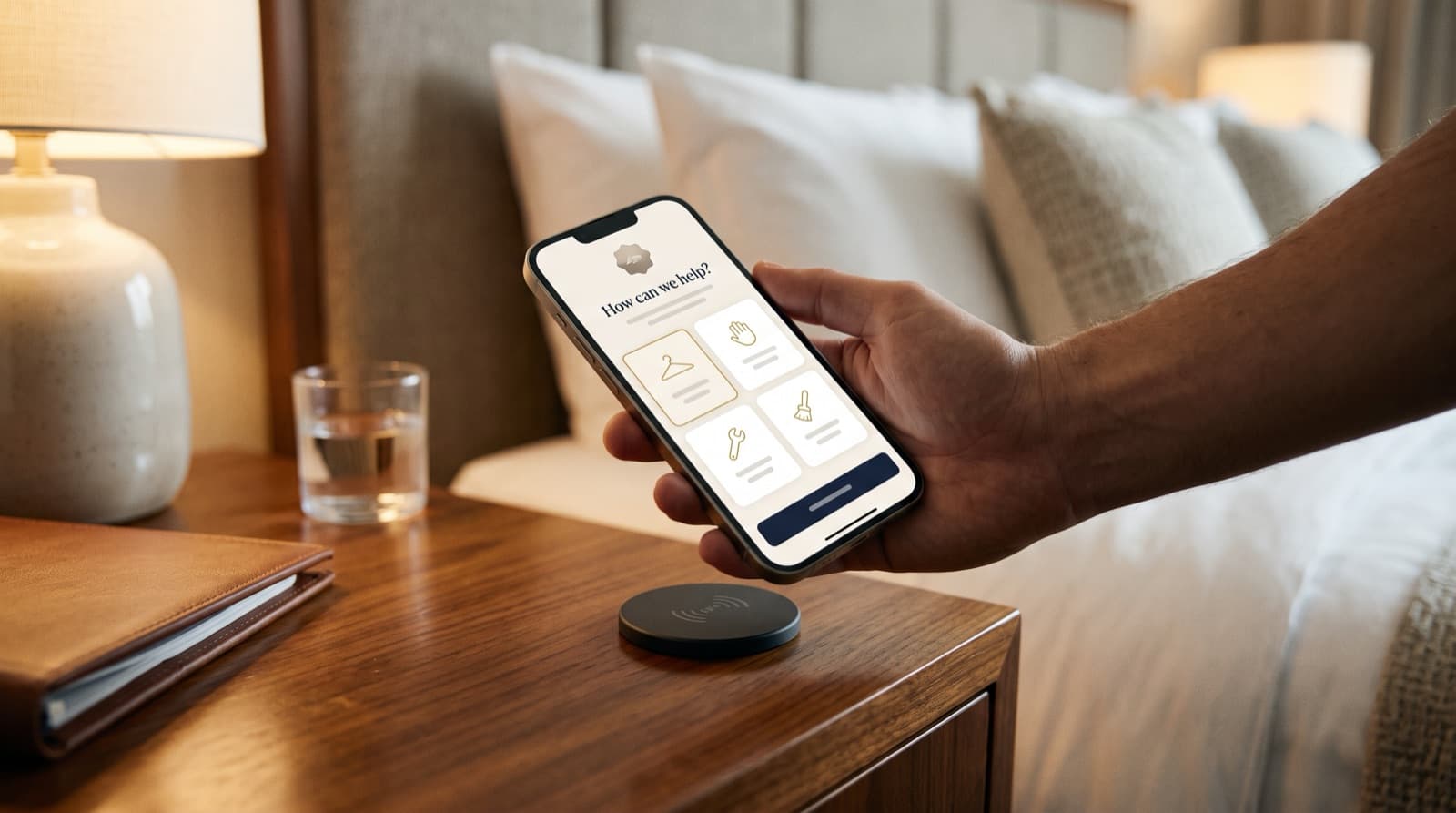
The guest's side
Tap the tag or scan the code
It's right there in the room — by the bed, the desk or the door.
Pick what you need
A short list of clear options, in the guest's language.
Done
A confirmation appears. No waiting on hold, no repeating the room number.
The team's side
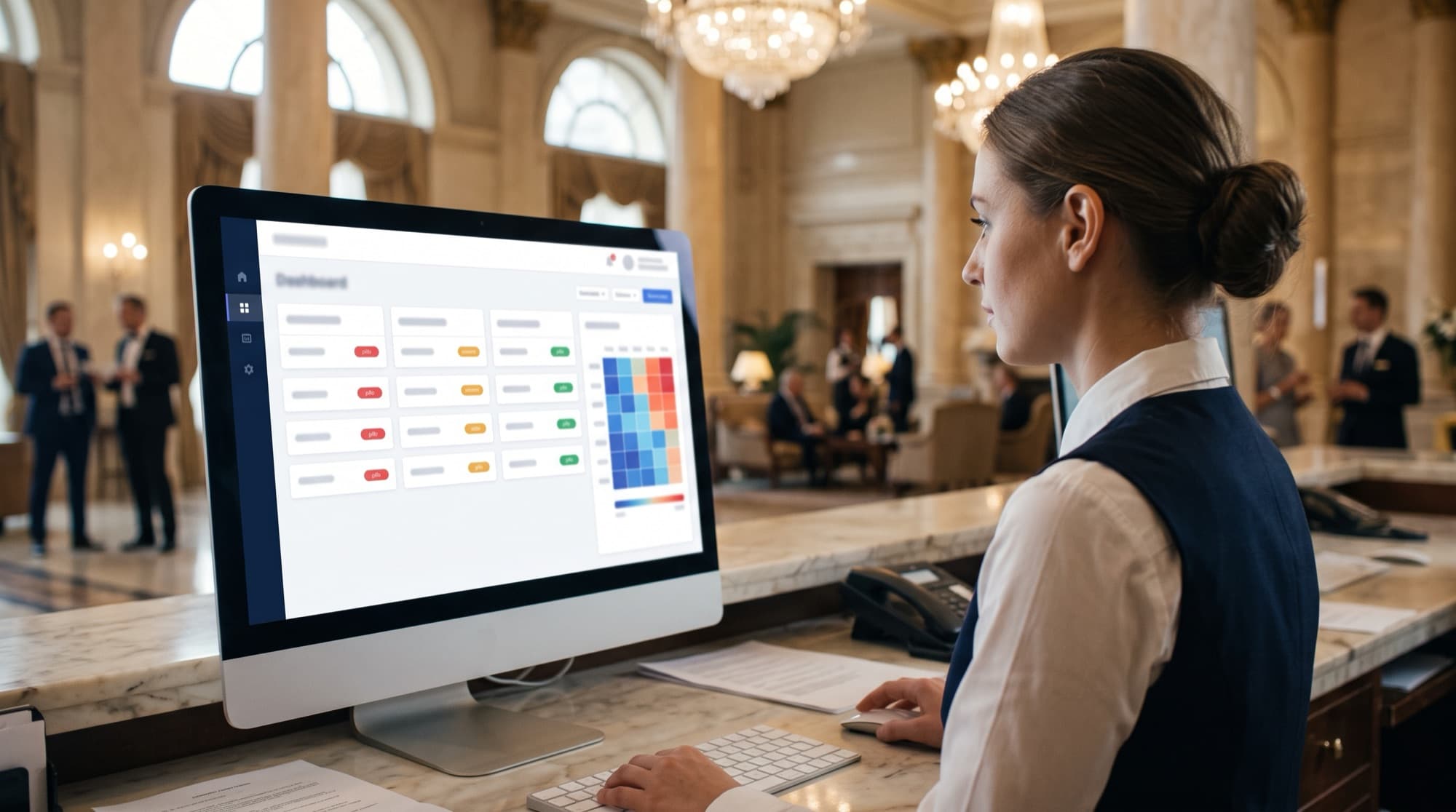
A new request arrives
It shows up on the live dashboard with the room, department and priority.
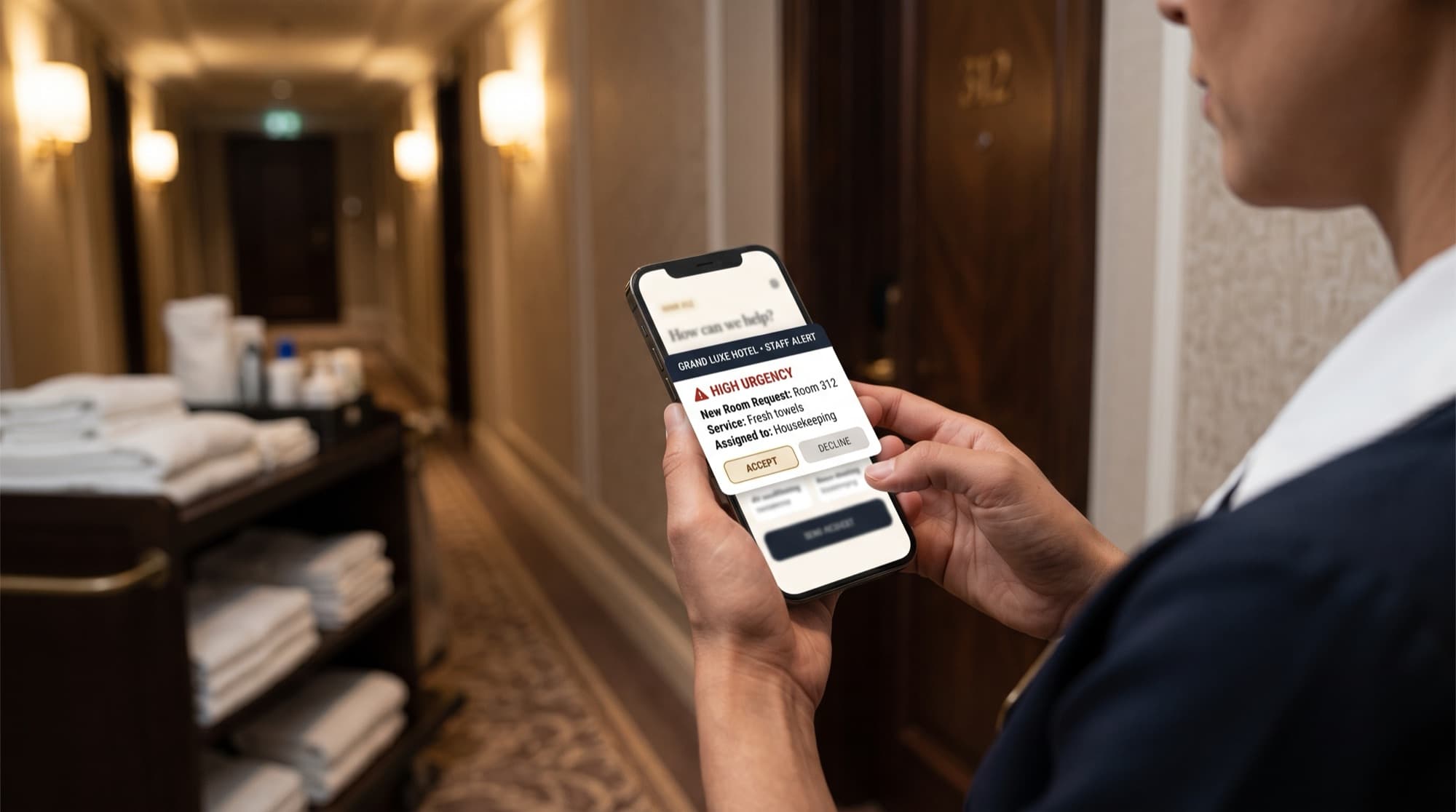
Someone takes it
It is assigned to someone in the right department, by an administrator or automatically, and moves to in progress. They accept it in the staff app.
Resolved
One tap closes the loop, and the times are recorded for analytics.
Getting started
Live in your hotel in four steps.
- 1
Get your invitation
Tell us about your property. We'll invite your hotel admin to Wado.
- 2
Set up rooms and teams
Our team sets up your rooms, departments and services. You add your staff and shifts.
- 3
Place the tags
Put a QR code, and an NFC tag if you like, in each room where guests naturally reach for it.
- 4
Go live
Guests start sending. Your team starts resolving. Analytics fill in from the first request.
Questions
Good questions, short answers.
Do guests need to download an app?
No. Guests tap the NFC tag or scan the QR code and the request page opens in their phone's browser. There is nothing to install and no account to create.
How do guests send a request?
They tap their phone on the tag in the room, or scan the QR code with the camera. A page opens where they choose a request — such as fresh towels, a repair or a late checkout — and send it in a few taps.
How do staff see requests?
Hotel administrators see requests on a live dashboard, labelled with the room or amenity, department, urgency and status. They assign each one to a member of the right department and move it from open to in progress to resolved. Staff who have a login see only their own requests in the staff app.
Do you support restaurants or room-service ordering?
Wado for hotels focuses on room service requests: housekeeping, front desk and maintenance. It does not include menus or food ordering.
Give every room a direct line to your team.
Wado welcomes new hotels by invitation. Tell us about your property and we'll take it from there.