
Features
Everything a hotel needs to answer faster.
From the first tap in the room to the last resolved ticket — and the numbers that show how you're doing.
At a glance
- A QR code for every room, and an NFC tag if you like
- Requests assigned automatically, if you like
- Live dispatch board, history and analytics
For guests
Effortless for the person who just wants a towel.
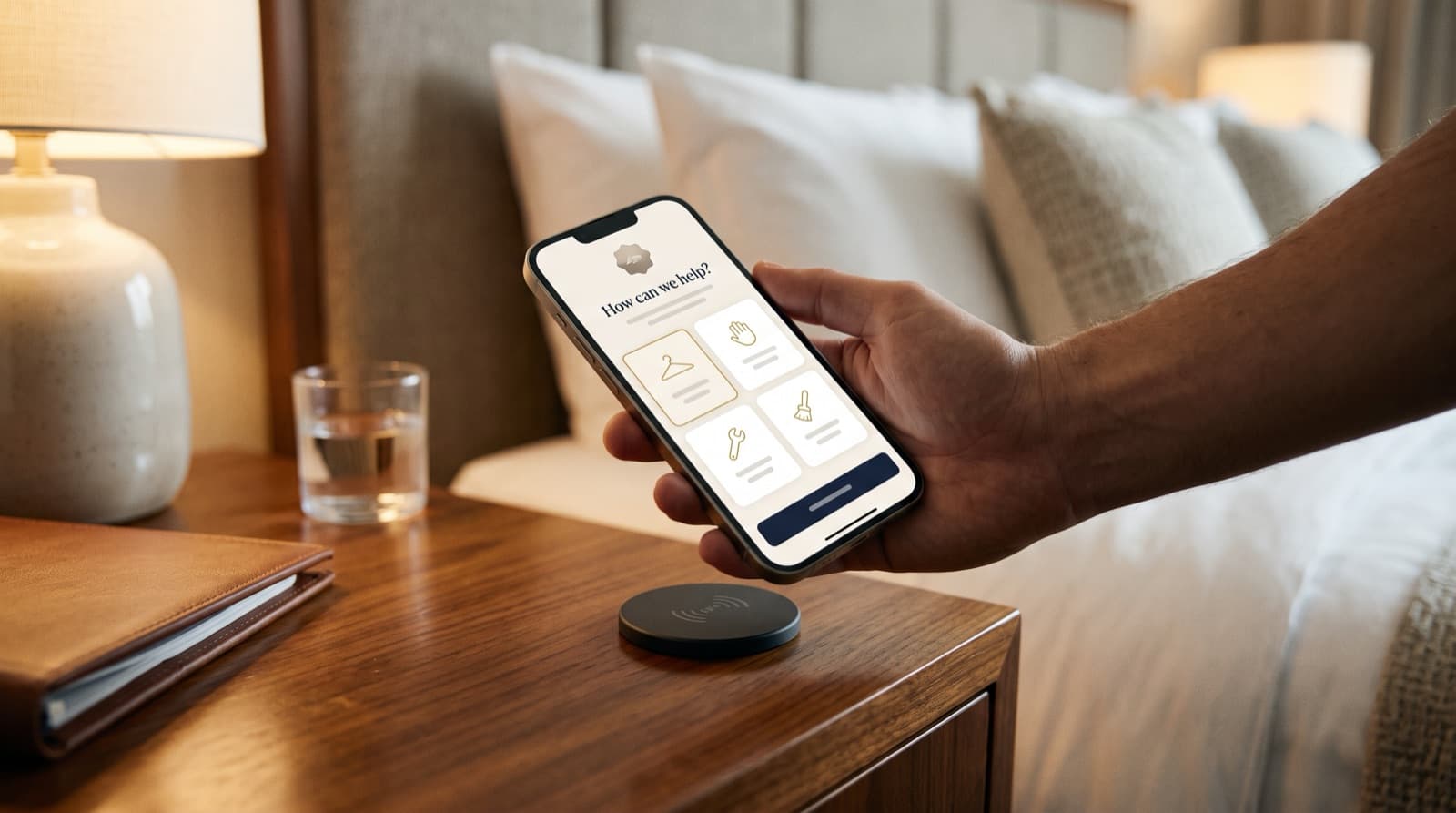
Tap or scan
Every room has a permanent QR code any camera can read, and can also have an NFC tag.
Opens in the browser
No app store, no download, no sign-up. The page just opens.
Their language
English or Spanish, following the phone's own language setting.
For your team
Clarity for the people running the day.
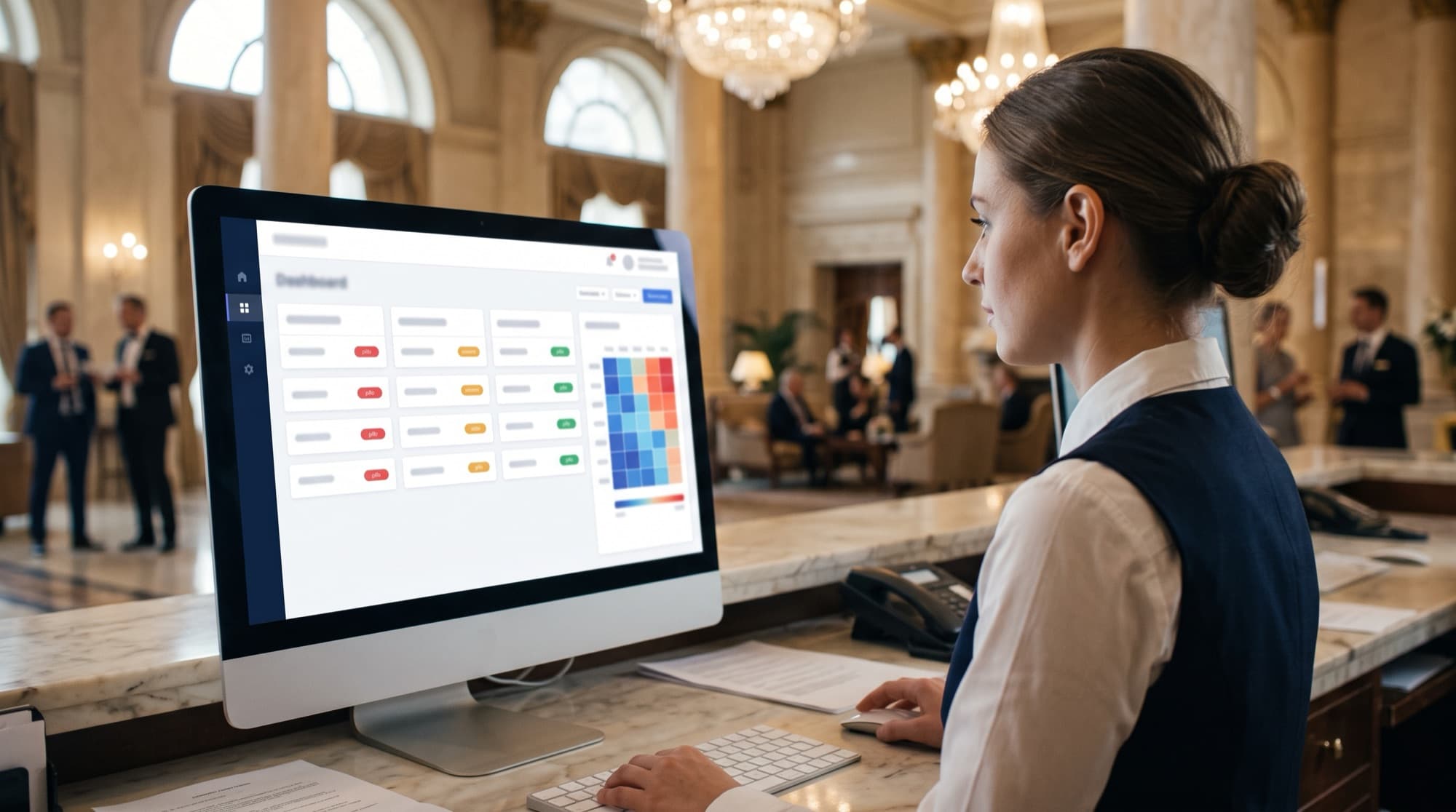
Live request queue
New requests appear on the dashboard the moment they are sent, with room and time.
Department ownership
Each request shows its department, and only that department's staff can be assigned.
Priority and status
Low, normal or high urgency — and open, in progress, resolved or cancelled.
For managers
Insight, control and a direct line to us.
Operational analytics
Request volume and time to resolve, by department and over time.
Staff and shifts
Keep your staff, departments and shifts up to date, and see who is on shift and what each person is working on.
Built-in support
Message the Wado team directly from your dashboard whenever you need a hand.
In detail
What each feature does, and where it stops.
Every capability below is in the product today, with its real limits.
Guest requests by QR or NFC
Each room has a permanent QR code and its own guest link, and can also have an NFC tag. The page opens in the phone's browser with the room already known, so guests never type it.
How it works
- Scan the QR code, or tap the NFC tag, in the room.
- Pick a service from the list for that room.
- Add an optional note and send.
What it can do
- Shows the services your hotel enabled, grouped by department
- Optional note of up to 500 characters
- Call-the-front-desk button and Wi-Fi network name, when you set them
- English or Spanish, following the phone's language
Limits
- At most 5 pending requests per room, and the same service cannot be pending twice
- Session links expire (24 hours after first open in production); the QR code and tag keep working
- NFC tags are set up by the Wado team with the Wado Android app
Amenity pages
Pools, gyms, spas and other amenities get their own page, QR code and tag. The page shows information and the services guests can request there.
How it works
- Scan the amenity's QR code or tap its tag.
- Read the information and pick a service.
- Send; the guest can write their room number in the note.
What it can do
- Information and services with icon, description and urgency
- Staff can be linked to the amenities they serve
Limits
- At most 20 pending requests per amenity
- The hotel's room page lists amenities by name and information only
Live dispatch board
Administrators see every request as it arrives, assign it and close it. The board follows changes live and refreshes itself.
How it works
- A request arrives on the board.
- Assign it to a member of the right department.
- Mark it resolved, or cancel it.
What it can do
- Counts of pending, in progress and completed today
- Filter by status, room or amenity, department and urgency
- High urgency first, then oldest first; a request waiting over 5 minutes is flagged
- Create a request on a guest's behalf
Limits
- Only hotel administrators sign in
- Shows up to the 200 most recent active and completed requests
Urgency and auto-assignment
Each service has an urgency. When automatic assignment is on, new requests go to someone available without waiting for an administrator.
How it works
- Set a service's urgency when the hotel is configured.
- A request arrives.
- It goes to an available person on shift in the right department.
What it can do
- Low, normal or high urgency per service
- Checks department or amenity, shift and current work
- Shows when a request was assigned automatically
Limits
- If nobody is free, the request is marked Unassigned for an administrator and is not auto-assigned later
- Shift checks use the server's time zone for now
- Staff get a text only if they chose SMS, and phone alerts only if they chose the app and turned them on
- A staff member can pass a request on only while a colleague is free; otherwise they must accept it
Staff and shifts
Keep your people, departments, amenities and shifts in one place, and see who can take work.
How it works
- Add staff with their department and amenities.
- Define named shifts or a custom schedule.
- See availability and current assignments.
What it can do
- Name, employee ID, phone, department and amenity links
- An optional staff app login with a PIN, created by an administrator or the Wado team
- Named shifts reused across staff, or custom days and hours
- On shift, off shift and in-progress workload at a glance
Limits
- Staff sign in only to the staff app, never to the dashboard
- Departments are edited by the Wado team, not in the hotel dashboard
History and export
Finished requests are kept in a searchable history, grouped the way you manage the hotel.
How it works
- Choose room, department or amenity.
- Filter by period, outcome, urgency, source or staff.
- Open a group to read its requests, or export.
What it can do
- Resolved and cancelled counts and average time to resolve per group
- Search and filters kept in the page address
- CSV export of the filtered result
Limits
- The export contains the newest 5,000 matching requests
Analytics
See demand, speed and workload for any period, compared with the period before.
How it works
- Pick today, 7 days, 30 days or a custom range.
- Read the headline figures and charts.
- Drill into services, departments, rooms and amenities.
What it can do
- Totals, resolved and cancelled rate, time to resolve and to assign, high-urgency share
- Requests over time and a weekday-by-hour heatmap
- Top services, departments, rooms and amenities, and staff workload
Limits
- Assignment figures follow each request's most recent assignment
- Requests from before urgency was recorded are left out of the assignment figures
Support chat
One shared conversation between your hotel and the Wado support team, inside the dashboard.
How it works
- Open Support in the dashboard.
- Write your message.
- The Wado team replies in the same thread.
What it can do
- Messages arrive live
- Every message shows who sent it
- Shared by all administrators of the hotel
Limits
- Messages up to 2,000 characters
- No email, text or in-app alert for new messages yet
Give every room a direct line to your team.
Wado welcomes new hotels by invitation. Tell us about your property and we'll take it from there.